Make one line work before expanding
Start with Tutorial enabled, check access at both stops, then create and follow one small line. Fix the first failed stage before buying more vehicles.
Jump to a section
Sources, dates & scope
Rewritten October 19, 2026 around the released-game manual and a small first-line exercise.
MANUAL-BASED STARTER GUIDEFree Game includes a Tutorial setting. The bundled No Costs mod removes the money constraint; Sandbox Mode provides additional world-editing controls. They serve different purposes.
Official source: Urban Games manual · Free Game ↗Source date/status: Checked October 19, 2026. Check the linked source for its current details.Additional source: Urban Games · Support FAQ ↗
Additional source: Urban Games manual · Stations and Depots ↗
Additional source: Urban Games manual · Lines and Vehicles ↗
| First symptom | Check before expanding |
|---|---|
| Vehicle does not start the intended service | Assignment and the route from its depot |
| Line shows a connection warning | The marked segment and terminal access |
| Vehicle runs empty | Useful destinations and passenger access at both ends |
| People remain after departures | Whether the service carries enough people over repeated trips |
| Trips work but money falls | Purchases and ongoing spending, separately from route access |
1. Start with the tutorial, not a large network
Choose New Game and leave Tutorial enabled in the map settings. The campaign is another starting point: the official FAQ says its opening teaches the core mechanics. Pick whichever setting you prefer, but give yourself one manageable objective: get a service running between useful destinations.
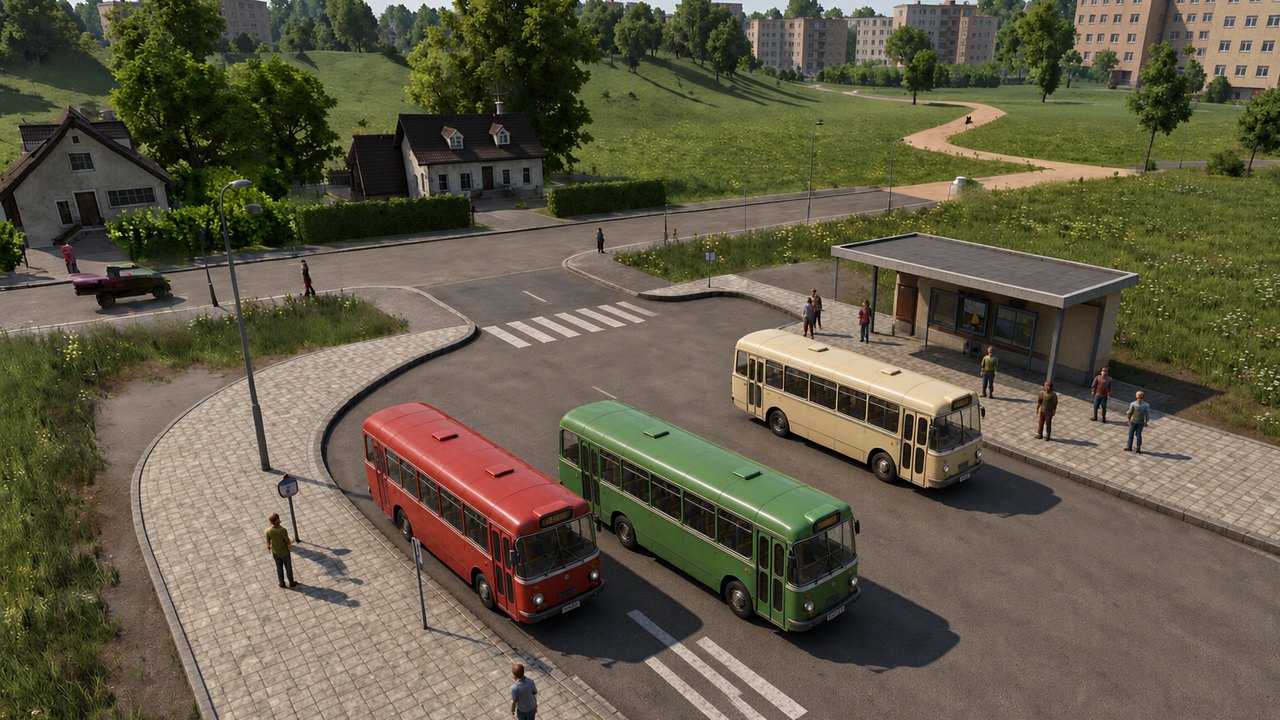
For this first exercise, we suggest a passenger connection on an existing road. That keeps the number of things to diagnose small: stops, access, route and vehicle. This is a learning choice, not a claim that buses are the most profitable opening on every map. Save before building so that a mistaken connection is cheap to undo by reloading.
2. Decide whether money belongs in this practice save
Use No Costs if you want to learn the construction controls without worrying about the budget. Leave it off if managing spending is part of today's exercise. Sandbox Mode is a separate choice; you do not need every world-editing option merely to practise placing stops.
Keep a practice save separate from the company you intend to develop. A line that works with unlimited money has demonstrated a transport connection. It has not demonstrated an affordable investment. When you return to an economic game, price the vehicles and infrastructure again rather than copying the entire experiment.
3. Check both ends before buying a vehicle
Select the proposed stops and inspect their catchment. The station manual distinguishes passenger access, which needs a usable walking path, from cargo coverage. A stop that looks close on the map is therefore not enough evidence that residents can use it.
Our check is simple: identify who should board, where they should leave, and how they reach each stop. If you cannot point to both ends, move the proposed stop before purchasing the fleet. Start with an ordinary connection you can follow on screen; save the impressive interchange for when this smaller service is understandable.
4. Create the line and follow one complete circuit
For the road-passenger exercise above, place the two intended road stops or passenger stations. Build a road depot connected to the same street network, with a usable path to the first stop. A maintenance-only building cannot sell vehicles. Open the depot to buy the bus.
In the line manager, create a line, add its stops in travel order, then assign the purchased compatible vehicle. Use the line's route preview to check the actual path. A red connection warning deserves attention before you add another vehicle.
Follow the service from departure through boarding, travel and return. Write down the first stage that fails. No departure is a different problem from an empty vehicle; an empty vehicle is different from a full one stuck in traffic. The table above is a way to choose your next check without rebuilding the whole route.
5. Returning from Transport Fever 2? Keep the first route simple
Use familiar transport ideas, but read the TF3 instructions for cargo handling, signals and mods before importing assumptions from an older save. Do not make a complicated freight interchange your first test of several changed systems at once.
Once the passenger circuit works, try one new task: a cargo delivery, a rail connection or a transfer between services. Keep the working circuit available as a reference. This makes a failure local enough to investigate instead of turning the whole map into an unresolved experiment.
6. Decide what to change next
After several complete trips, review what actually happened. If the vehicle completes its route but nobody boards, revisit useful destinations and access. If a queue remains after departures, investigate service capacity. If the route is working and the company is losing money, look at spending rather than treating connectivity as the remaining problem.
Do not set a universal profit target for this exercise. The useful milestone is narrower: you can explain the stop order, see the service complete it, and identify the next constraint. Expand when you understand that constraint, not merely because the first vehicle has left the depot.
The game is out and already updated
Transport Fever 3 launched on September 29, 2026 and has since received two stability and performance updates (October 8 and October 22) plus a driver-conflict fix on October 24. Start from the current stable build for your store, then use the linked explainers for cargo payments, signals, mods and performance checks.
Controls and settings were checked in official documentation on October 19, 2026. The order of checks is our editorial recommendation; it has not been playtested as an opening strategy.
Read our editorial policy →